April 30, 2026
Comparison of the most common tools for requirements and test management
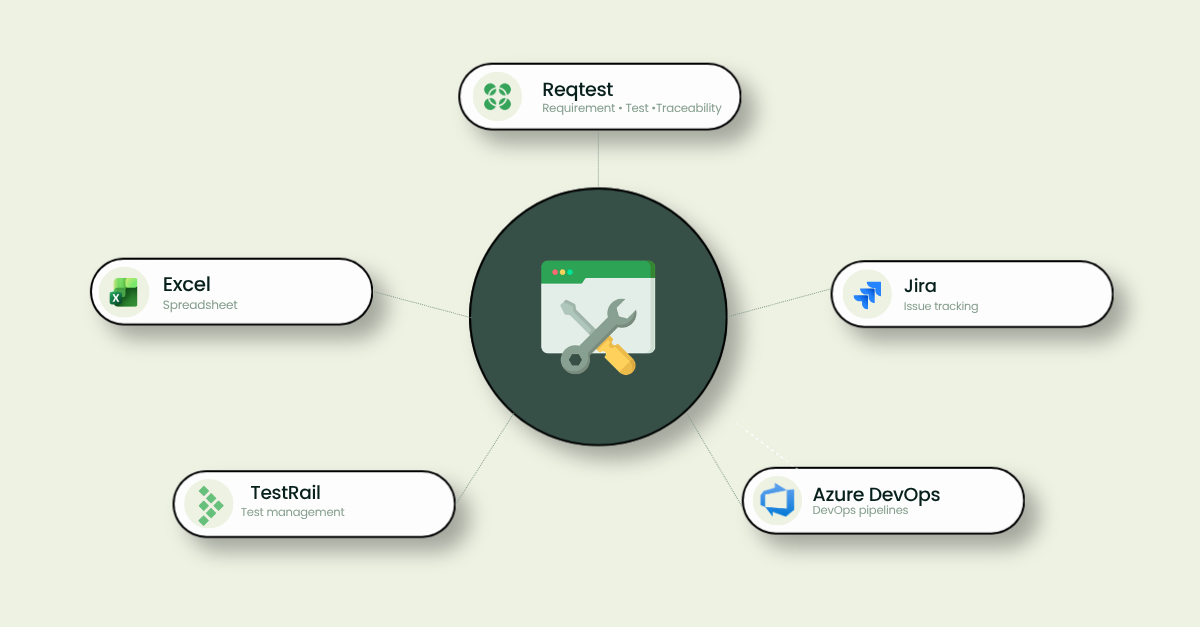
More and more organisations are choosing to use specialized tools to quality-assure IT projects and system deliveries. With modern platforms it is straightforward to take control of quality, ensure traceability and save time during implementation and maintenance. Which tool fits best depends on how many people need access, the complexity of the project and whether the organisation runs business-oriented IT projects or pure software development.
Why a requirements and testing tool is needed
System implementations and IT projects are a central part of many organisations’ day-to-day operations. Despite this, requirements, tests and bug reports are often managed in separate files and email threads, leading to poor traceability, dependency on key individuals and inefficiency. In the worst case this results in delayed or failed projects. A shared tool for requirements, test planning and follow-up makes it easier to work in a structured way and ensure that systems meet the organisation’s needs before go-live.
The four most important criteria when choosing a tool
Traceability between requirements and tests
Traceability means that requirements, tests and results are connected in a shared flow that can be followed all the way from the original requirement to a verified test result. This gives better control over quality and reduces the risk of problems being discovered late in the project. Traceability is also critical after go-live, as clear documentation makes it easy to see what has been tested and to hand over the work if key people leave the organisation.
Ease of use for the entire organisation
In many projects, people outside the development team are involved in requirements and testing work. If the tool is too complex, fewer people participate, which means requirements are not shaped or tested from a business perspective. A user-friendly tool lowers the threshold and makes it easier for more people to contribute.
Overview and reporting
Project managers and steering committees need to follow up on status continuously throughout the project. The tool should therefore be able to provide a clear overview of test progress, number of bugs and which requirements have been verified, so that decisions can be made on the right basis and problems identified in time.
Reuse of test cases and structure
In recurring projects or system updates, being able to reuse test cases, templates and structure saves a great deal of time. This contributes to a more standardised and quality-assured way of working over time, as proven approaches and tests can be used again.
Common tools on the market
Jira
Jira is designed for development teams and is primarily used to plan and track development work. Test management requires add-ons such as Xray or Zephyr, but even with these the tool is often perceived as too technical for roles outside IT. This can in some cases lead to testing being handled outside the tool to make it easier for more people to participate.
Azure DevOps
Azure DevOps is Microsoft’s platform for the entire development chain — from planning and code to testing and delivery. Requirements can be managed in the tool and Azure Test Plans is used for testing. The tool is broad and feature-rich, but requires technical familiarity and can feel complex for those who do not work with software development on a daily basis.
TestRail
TestRail is focused on test management and provides good support for planning, executing and following up tests. The tool lacks requirements management and is therefore often used alongside development tools such as Jira or Azure DevOps. Traceability against requirements consequently requires integration with a separate system, meaning that work and documentation live in two places.
Reqtest
Reqtest supports the entire quality assurance process in IT projects, from requirements to testing and follow-up. Requirements, tests and results are gathered in a shared flow with full traceability and a user-friendly interface that allows different business roles to participate regardless of technical background. Reqtest is however not designed to manage code work or software development.
Excel
Excel is a common choice for requirements and testing because the barrier to entry is low and the tool is often already installed. For small projects it can work, but version management, traceability and collaboration do not hold up as the project grows, and the risk of key-person dependency is high.
Comparison between the tools
| Tool | Requirements–test traceability | Requirements management | Test management | Business-friendly | Reporting | Reuse | Development support |
|---|---|---|---|---|---|---|---|
| Reqtest | ✅ Built-in | ✅ Yes | ✅ Yes | ✅ Yes | ✅ Yes | ✅ Yes | ❌ No |
| Jira | ⚠️ Via plugin | ⚠️ Limited | ⚠️ Via plugin | ❌ Technical | ✅ Yes | ⚠️ Via plugin | ✅ Yes |
| Azure DevOps | ⚠️ Via Test Plans | ✅ Yes | ✅ Via Test Plans | ❌ Technical | ✅ Yes | ✅ Yes | ✅ Yes |
| TestRail | ⚠️ Via integration | ❌ No | ✅ Yes | ⚠️ Tester-focused | ✅ Yes | ✅ Yes | ❌ No |
| Excel | ❌ None | ⚠️ Manual | ⚠️ Manual | ✅ Yes | ⚠️ Limited | ⚠️ Manual | ❌ No |
✅ Built-in support · ⚠️ Partial / requires add-on · ❌ Not available
Which tool fits which organisation?
The right tool depends on the organisation’s way of working, the complexity of the project and the need for collaboration between business and IT.
Reqtest suits organisations that run business-oriented IT projects where business and IT need to work in the same tool with full traceability and without add-ons for core functionality.
Jira and Azure DevOps are strong choices for development teams that need to plan and track code work. For organisations with high IT maturity, these tools can also work for acceptance testing with end users.
TestRail suits organisations that want a dedicated testing tool where requirements are managed in a separate system or via integration.
Excel works for small, well-defined projects with few team members. Risk increases quickly with the size of the project and the number of people involved.
Read more and go deeper
- How requirements management works in Reqtest
- How to manage tests in Reqtest
- How Reqtest works with Azure DevOps and other tools
- How to succeed with your ERP-project
Frequently asked questions
What is the most common mistake organisations make when choosing a requirements and testing tool?
The most common mistake is choosing the tool that is already installed without evaluating whether it actually fits requirements and testing work. A tool that works well for the development team does not necessarily work equally well for the business roles that also need to participate in quality assurance.
What happens if key people leave the project?
This is one of the most common risks in IT projects and depends directly on where the documentation lives. If requirements and test cases exist in personal files or email threads, the project is vulnerable. With a shared tool, the history remains in the system and a new resource can get up to speed on what was tested and approved without having to ask anyone.
Can you use the same tool in the maintenance phase as during the project?
Yes — and this is often an underestimated advantage. When the system goes live, existing requirements and test cases can be reused directly without starting from scratch ahead of each release or update.
Can the tool be used by external consultants and suppliers?
Yes, in most dedicated requirements and testing tools it is possible to invite external users. This is an important advantage in projects where suppliers or consultants participate in testing work, as everyone works in the same system and traceability is maintained even when people from different organisations are involved.
Share article
Try Reqtest Yourself
Fill out the form to test Reqtest for 10 days. You’ll be sent an email with instructions on how to activate your account.
-
Structure your tests, requirements and bugs
-
Delegate tasks and collaborate with suppliers or project members
-
Follow the progress and get approval before Go-Live
Trusted by Industry Leaders