August 12, 2026
Get Started with the New Planboard
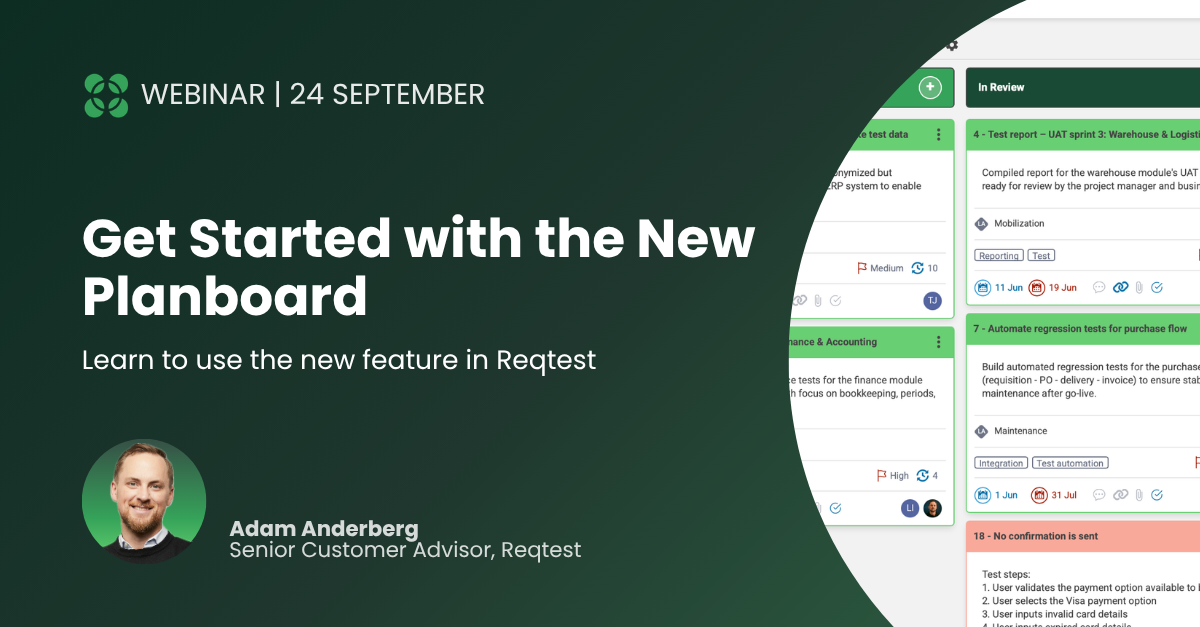
On August 18, the new Planboard launches in Reqtest, making it easier to plan, prioritize, and follow up on work from backlog to delivery. With the board, you can keep everything related to project planning in one place instead of relying on a separate tool. In the board, you can create tasks, organize work in columns, and connect everything to requirements, bug reports, and test cases all in a single view.
On September 24, Adam Anderberg, Senior Customer Advisor, will show you how to get started and get the most out of the feature. He will cover:
- How to set up the board with columns and tasks that reflect your workflow
- How to adapt the board to your team’s way of working and needs
- The difference between regular links and mirrored links—and when to use which
- How to connect the board to requirements, bug reports, and test cases so that changes sync automatically
- How filters, grouping, and different views help you prioritize effectively
About the webinar
- Date: Thursday, September 24, 2026
- Time: 16:00–17:00 CEST
- Location: Digital, via link
- Free of charge
Share article
Try Reqtest Yourself
Fill out the form to test Reqtest for 10 days. You’ll be sent an email with instructions on how to activate your account.
-
Structure your tests, requirements and bugs
-
Delegate tasks and collaborate with suppliers or project members
-
Follow the progress and get approval before Go-Live
Trusted by Industry Leaders